← All posts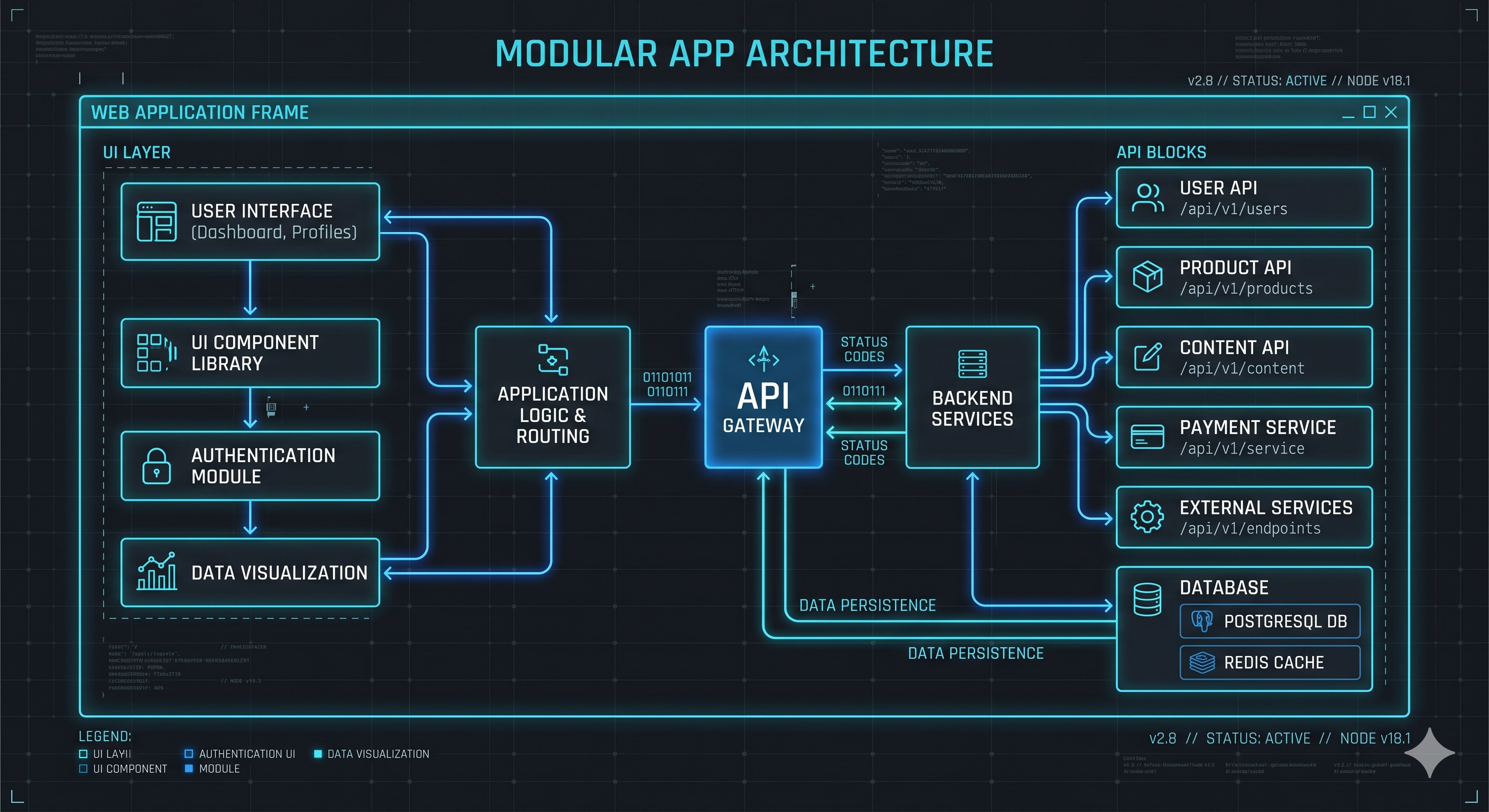
Lessons from Scaling Turborepo in Production
2026-01-20
The Monorepo Shift
Moving to a monorepo isn't just a folder restructure; it's a fundamental shift in how a team shares code. After successfully deploying Turborepo for a massive HR VIP system and the Alpha ERP/Academy suites, here are the core lessons learned about when to use them, and what to watch out for.
Lesson 1: Centralize your API logic immediately
On the HR system, we had two frontends connecting to over five different backend services. The immediate instinct is to write API calls where they are used. Don't.
We created an internal package specifically for the API layer. Both frontends consumed this single package. This cut our integration time in half and ensured that any breaking changes from the backend were caught by TypeScript at the package level, protecting both frontends simultaneously.
Lesson 2: Shared UI is the obvious win
With the Alpha systems (ERP and Academy), the products served different purposes but required the exact same design language. Extracting components like data tables, modals, and navigation shells into a shared
ui package means a bug fix in the ERP's dropdown component instantly fixes the Academy's dropdown too.Lesson 3: Leverage Turborepo's caching
Turborepo's superpower is its
turbo.json pipeline. It fingerprints your files and caches the results of build, lint, and test. In a multi-app repository, this is critical. If you only edit the Alpha Academy code, running turbo build will pull the Alpha ERP build instantly from the cache. It saves countless hours in CI/CD pipelines.Lesson 4: Understand the Pros and Cons
Before pitching a monorepo to your team, understand the trade-offs:
The Pros:
- Refactoring is safe: Changing a function signature in a shared package immediately highlights errors in all dependent apps.
- Unified config: One Prettier file, one ESLint setup, one TypeScript base config.
- Faster onboarding: New developers clone one repository and
pnpm installonce to see the entire ecosystem.
The Cons:
- Deployment complexity: You can't just
docker build .anymore. You need to useturbo pruneto isolate the specific app and its dependencies before containerizing. - Repository size: Over time, the git history and initial clone size grow significantly.
Lesson 5: Package Managers Matter
Don't use
npm for this. We relied heavily on pnpm. Its strict workspace linking and highly efficient local storage make resolving internal packages seamless and incredibly fast. It is the perfect engine for a Turborepo vehicle.